You can change the order of the elements (tabs in the widget) adding a number to each one, player_order, thumb_order, link_order. If you not assign a number the default order will be used for that element: The shortcode used is this:
Read more »

You can change the order of the elements (tabs in the widget) adding a number to each one, player_order, thumb_order, link_order. If you not assign a number the default order will be used for that element: The shortcode used is this:
Read more »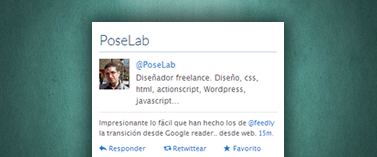
Twitter themes is a plugin that allows you to show the timeline of a Twitter account. The main difference from other plugins is that Twitter themes incorporates a system template that allows you to create your own theme for the plugin easily. If you know HTML and CSS you can create your own theme for …
Read more »
This demo shows the use of Twitter themes with a shortcode with the ‘Twitter ticker’ theme. Furthermore, I added the following CSS to show that the design can be customized using the different classes of the plugin html: .twitter_themes { margin: 0 auto; width: 300px; border: 1px solid #CCC; } .profile_all { padding: 10px; } …
Read more »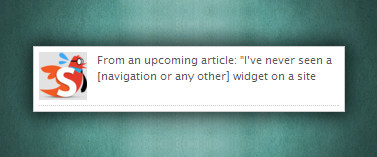
This demo shows the use of Twitter themes with a shortcode with the ‘Twitter little ticker’ theme. Furthermore, I added the following CSS to show that the design can be customized using the different classes of the plugin html: .twitter_themes { margin: 0 auto; padding: 5px; width: 300px; border: 1px solid #CCC; } The shortcode …
Read more »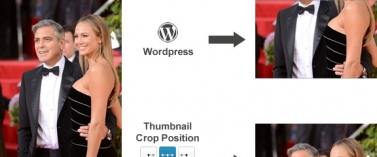
Thumbnail Crop Position is a plugin that allows you to select the crop position of thumbnails in WordPress. By default, WordPress always crops thumbnails through the center of images, which sometimes makes us to obtain thumbnails that have lost important areas of our images. Working The operation of Thumbnail Crop Position is very simple. Before uploading …
Read more »